
Sowstory is a garden planner app for iPhone that plans your first raised bed completely free, with every feature included and no trial clock running. It is built for vegetable beds in England: it lays your bed out to scale, works out how many plants fit and gives a month-by-month plan, and it is coming soon to the App Store.
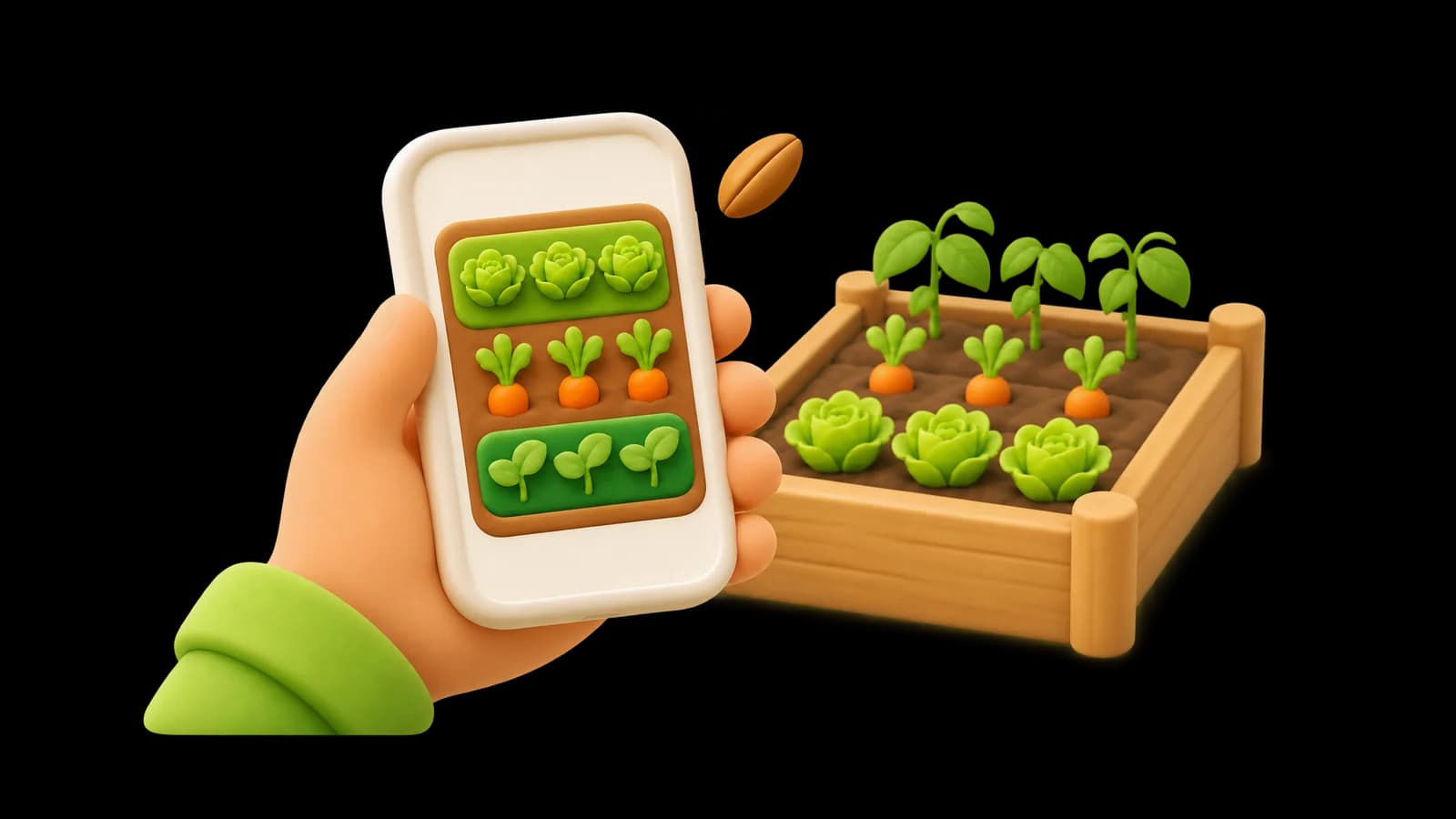
Below you will find what "free" usually means in garden planning apps, exactly what you get free in Sowstory and what costs money, and how to plan a bed for nothing if you prefer paper.
What "free" usually means in a garden planner app
When you search for a free garden planner, you will find three models:
- Free tier: a limited version stays free for ever, with paid features on top (more beds, more crops, more tools).
- Free trial: everything works for a set period, then you pay to keep planning or to keep your plans.
- Free first plan: you get one complete plan for nothing, then pay per extra plan or for a pass.
None of these is wrong; what matters is knowing which one you are using before you spend an evening drawing your garden.
Free options from well-known planners
From each product's own pages, checked on 4 November 2026 (limits change, so confirm before you start):
| Planner | Free option | Main limit on the free option |
|---|---|---|
| VegPlotter (web, iOS, Android) | Free plan | A yearly cap on plantings |
| Seedtime (web, iOS, Android) | Free plan | One layout with up to eight rectangular beds; US-focused frost dates |
| Planter (iPhone, iPad, Mac, Android) | Free tier | One garden, with ads |
| Leaftide (web, iOS, Android) | Free plan | Caps on plants, custom varieties and pots |
| myPatch (iPhone, iPad) | Free account | Two beds and five active plantings |
| GrowVeg Garden Planner (web) | 7-day free trial, no card needed | No permanent free tier found |
| Fryd (iOS, Android, web) | Free app; bed planning in the paid tier with a 7-day trial | Bed planning is not in the free version |
| GARDENA myGarden (web) | Free | A general garden design tool with no sowing calendar |
| Sowstory (iPhone, coming soon) | First bed plan free | One bed; further beds are paid |
Our comparison of the best garden planning apps explains what each of these does beyond the free option.
What you get free in Sowstory
Your first bed plan is the full product, not a cut-down version:
- To-scale layout of your bed, with every row and plant placed for its own spacing.
- Plant and row numbers for your exact bed size, so you buy the right amount of seed and plants.
- Tall crops on the north edge, so climbing beans, cordon tomatoes and trained cucumbers do not shade the rest of the bed.
- Reasons: why each crop you asked for was included, or why it did not fit (for example, the bed is too small for a bush courgette's 90 × 90 cm square).
- Month-by-month timing for England, including follow-on sowings where Sowstory supports them.
- An optional private journal for that bed, with notes and up to five pictures per entry.
- Unlimited edits to that bed's plan.
What costs money
- Another bed: £4.99 per bed plan.
- Season pass: £14.99 for unlimited beds for 12 months. It does not renew automatically.
Purchases go through the App Store. Editing or recalculating a bed you have already planned never costs anything.
How to tell if a free planner suits a UK vegetable bed
Before you commit to any planner, free or paid, check five things:
- Metric measurements. You should be able to enter your bed in centimetres or metres, inside the frame.
- Real spacing per crop. A good planner knows that carrots sit 20 cm apart in rows and that a courgette needs much more room. Compare its numbers with our vegetable spacing chart.
- Timing that fits England. Sowing months copied from a different climate can be weeks out. Check against a UK vegetable sowing calendar.
- Height and shade. Does it stop tall crops from shading short ones?
- What happens to your data. Sowstory asks for your postcode only to place the bed in England and does not store the full postcode.
Planning for free without any app
You can plan a raised bed with a tape measure, squared paper and a pencil:
- Measure the inside length and width, and sketch the bed at a simple scale.
- Mark north and estimate the hours of direct sun.
- List the crops you want and look up their row and plant spacing.
- Put tall crops on the north side and step down in height towards the south.
- Draw rows along the long edge and count how many plants fit each row.
- Write the sowing or planting month beside each crop.
Our raised bed planner guide walks through these steps with a worked example for a 1.2 × 2.4 m bed. If you would rather skip the arithmetic, Sowstory does it for you, and your first bed is free.
Honest limits
- iPhone first. Sowstory is coming soon to the App Store; Android comes later. There is no planner on the website.
- Outdoor raised beds in England. Timing is England-wide by month. It is not yet adjusted to your local climate, and the app does not give a frost date for your address; see when the last frost is likely.
- 35 crops (45 growing profiles). Sweetcorn, squash and pumpkins, strawberries and trailing cucumbers are not planned yet.
- Planning allowances. Spacings come from published guidance and are often the more generous figure; check your seed packet.
For a wider look at planning a whole plot rather than one bed, see our vegetable garden planner guide.
Sources
- Sowstory knowledge base, release v1.4 (crop spacing, tall-crop placement)
- Sowstory pricing as set on 4 November 2026: first bed free, £4.99 per extra bed, £14.99 season pass
- VegPlotter pricing (free plan features only)
- Seedtime pricing (plan limits only)
- Planter
- Leaftide
- App Store: myPatch
- GrowVeg subscriptions (trial only)
- Is Fryd free?
- GARDENA myGarden